Purpose: The purpose of this document is to provide a list of all the settings/features of the Jabra Evolve 75 and how to use them
Audience: All employees of Arizona Asthma & Allergy Institute
Authorizations: Changes to this document/process can only be requested by DamonTek management
Systems Impacted: Audio System
(Note that document authors/editors and audit trail are tracked in the document properties)
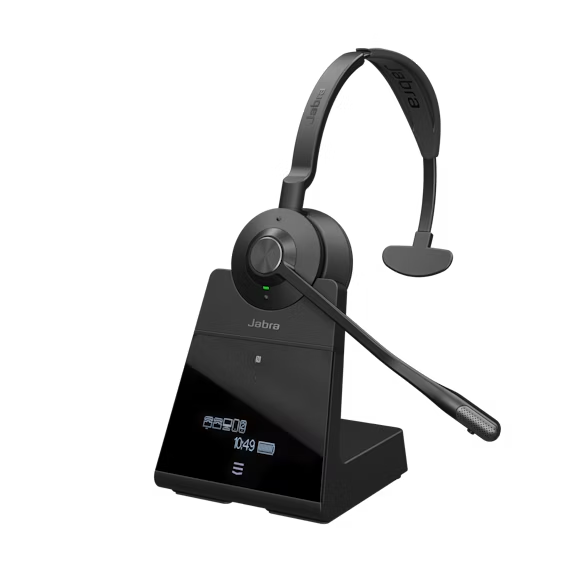
- Talk timeUp to 13 hours
- Charging time30 min for 40% charge
90 min for 100% charge
How to Set Up Training/Conference Calls
Keep your Jabra Headset Working
How do I clean my Jabra product?
- Apply normal dish soap and water to a cloth, making sure to wring out excess liquid so the cloth is not dripping wet. Use soap and water only – do not use strong cleaning agents.
- Gently wipe the product, making sure there is not a layer of suds on the surface.
- Let it rest for at least one minute.
- Rinse the surface by wiping it with a slightly damp cloth using water only.
- Let it dry.
- When the product is not in use, keep it clean by avoiding contact with dirty surfaces. Dock it in the base, or store it in the protective case/pouch, if the product came with one of these options.
How to Use the On-Screen Menu
How do I manually turn on/off the busylight on my Jabra Engage Headset?
To manually turn the busylight on/off, simultaneously press the Volume up button and the Volume down button.
Was this article helpful?
That’s Great!
Thank you for your feedback
Sorry! We couldn't be helpful
Thank you for your feedback
Feedback sent
We appreciate your effort and will try to fix the article